Dashboard
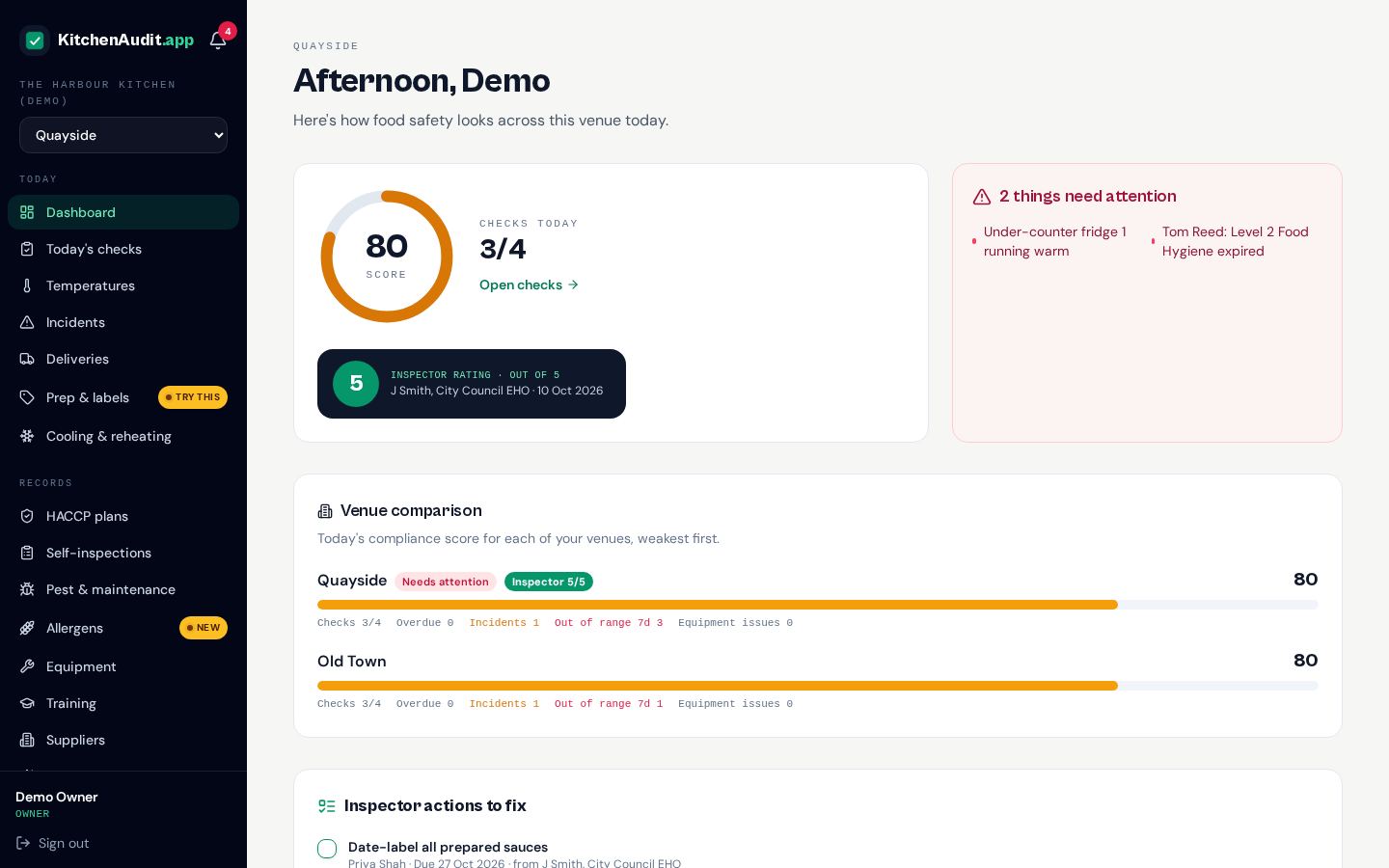
Your food safety at a glance. A live compliance score for each venue, today's checks, anything that needs attention right now, your latest inspector rating and the actions still to fix.
Today's checks
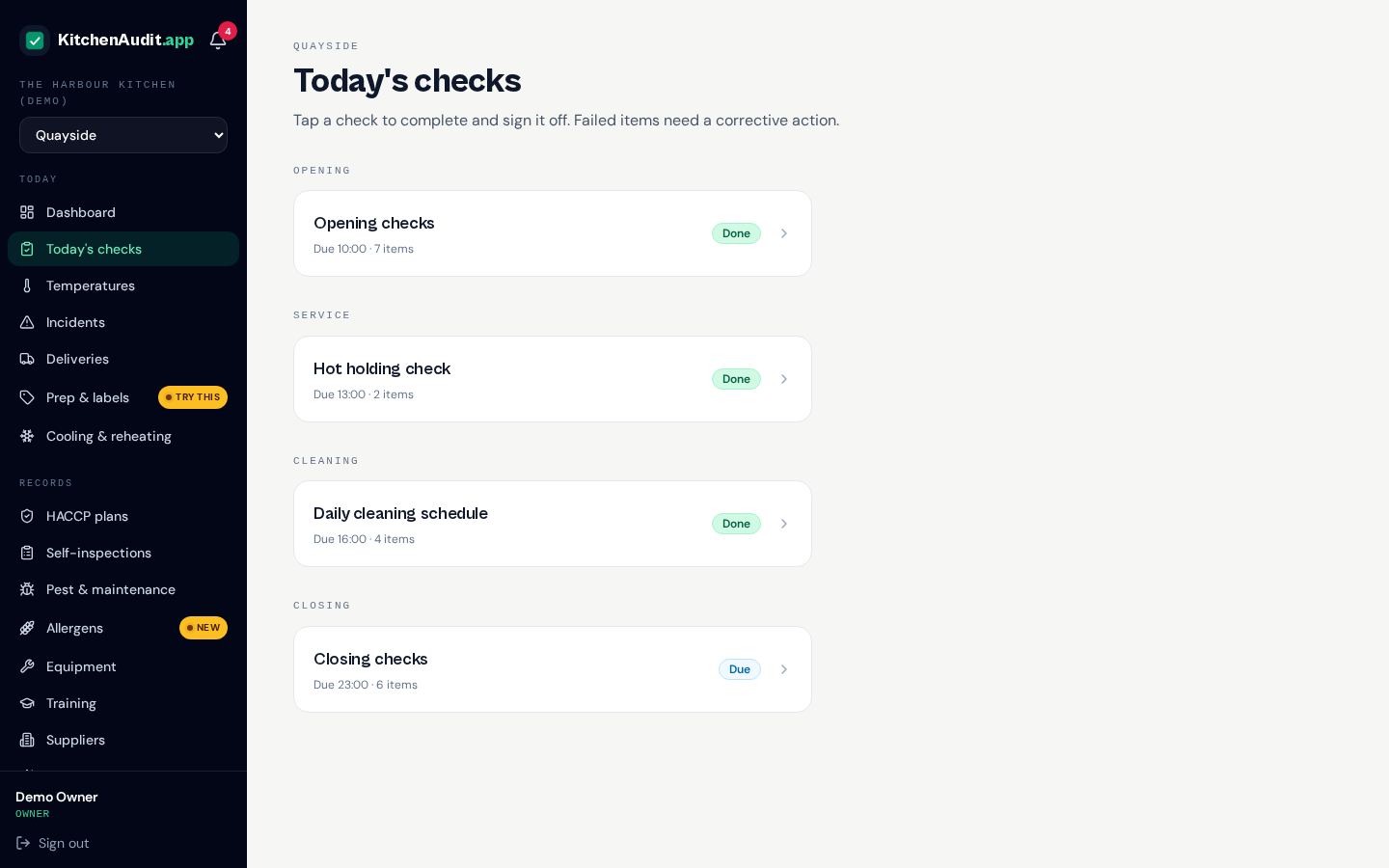
Opening, cleaning, service and closing checklists scheduled for every venue. Staff tick them off on a phone or tablet, add notes and photos, and anything missed is flagged as overdue.
Temperatures
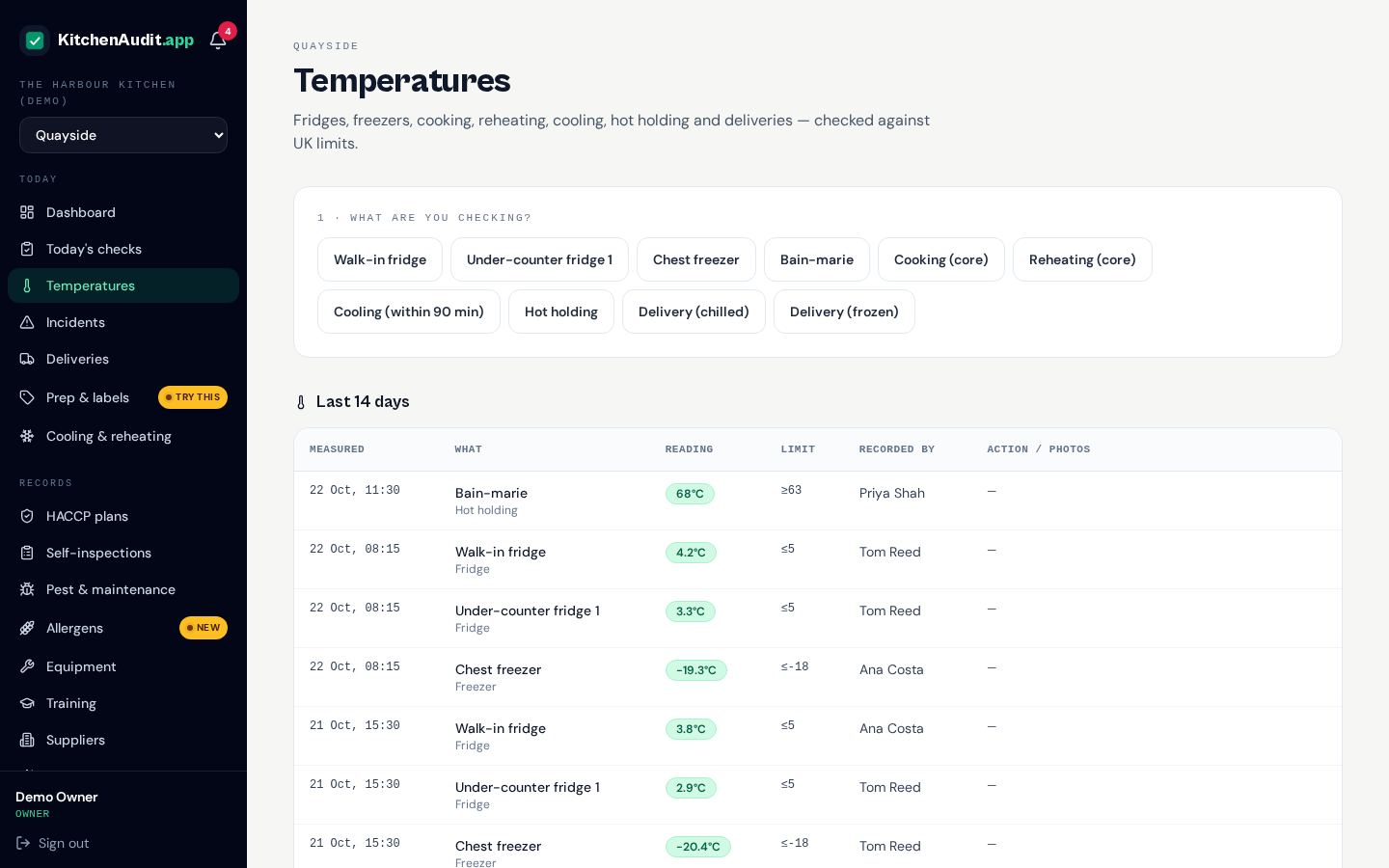
Fridges, freezers, cooking, cooling, reheating and hot holding. UK safe limits are built in, so an out-of-range reading is caught straight away and turned into a corrective action.
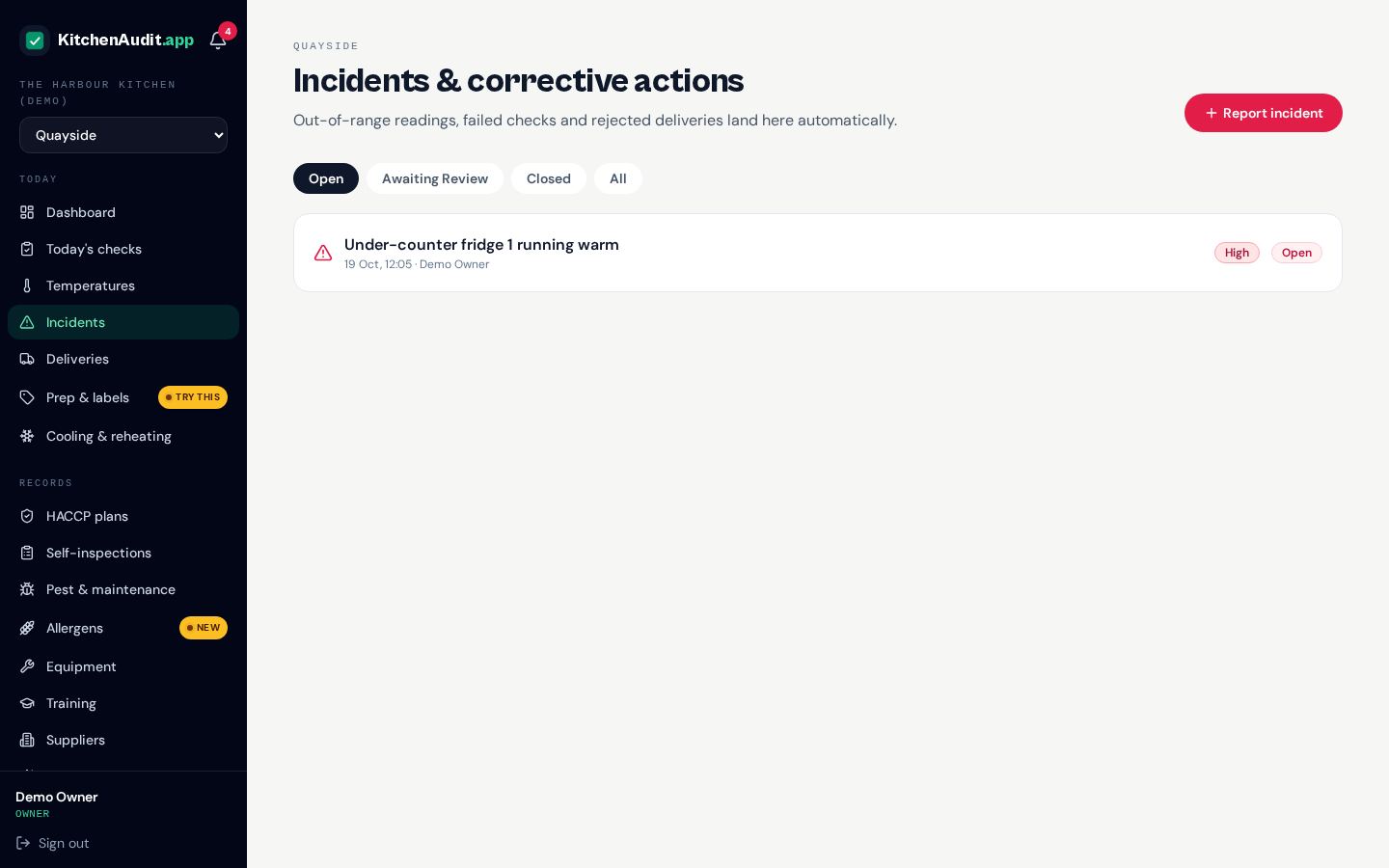
Incidents
Record a failure, what happened to the food, the fix and who signed it off as safe. Every incident is tracked until it's closed, with photo evidence.
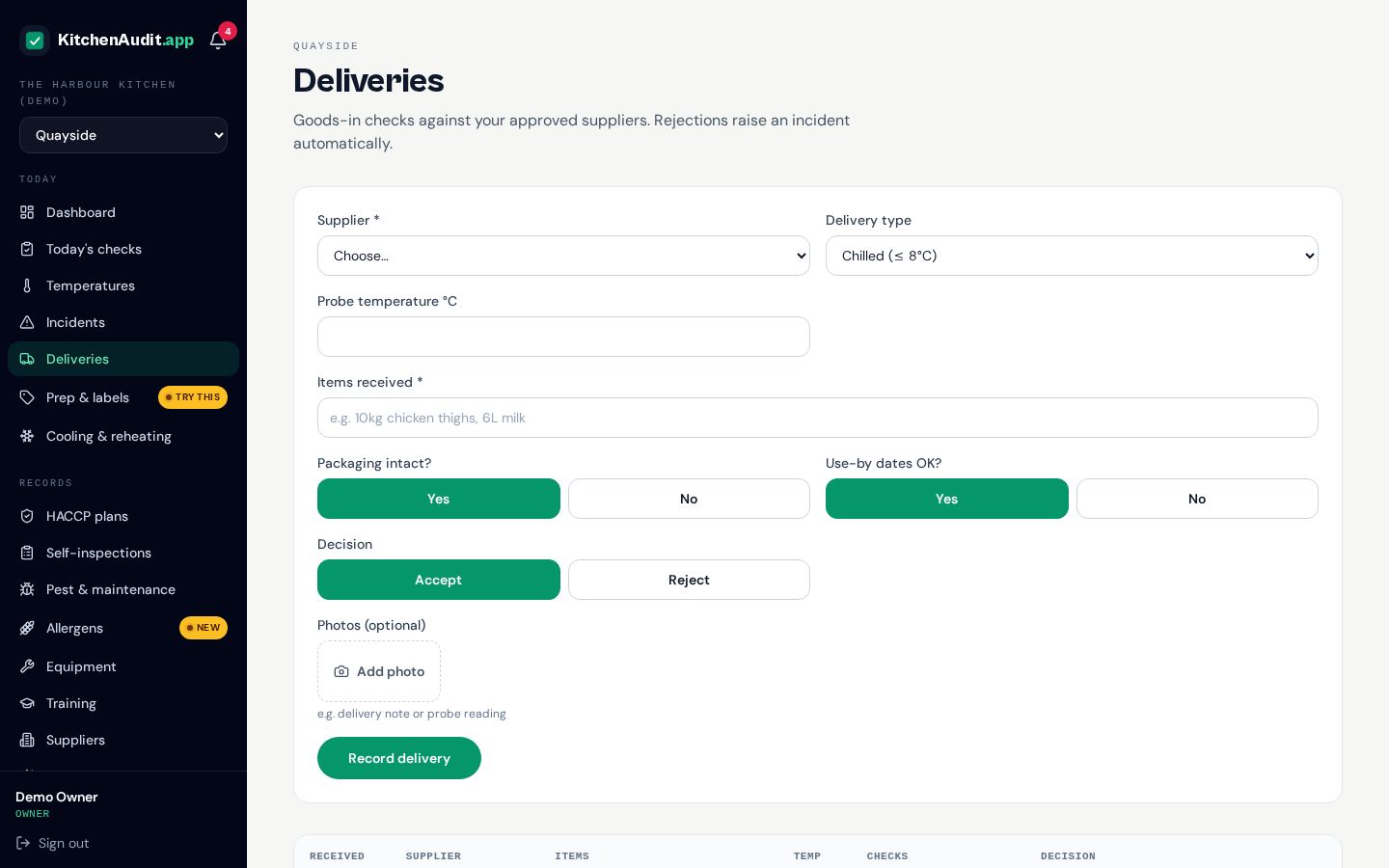
Deliveries
Log each delivery with its temperature and condition. Rejected goods are recorded with photos, so you can prove why you sent them back.
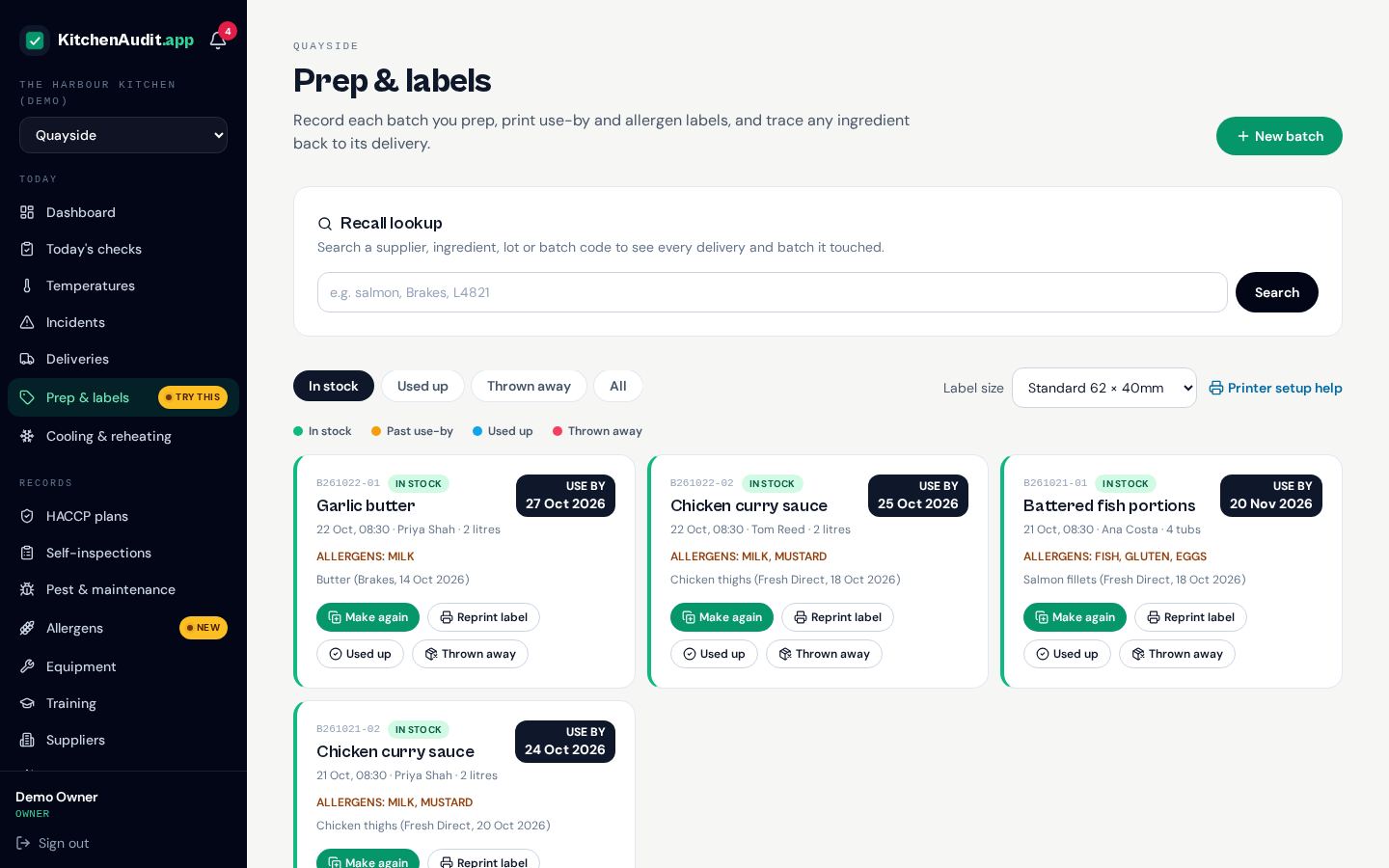
Prep & labels
Track every batch you make with its use-by date and allergens, then print labels in the size your printer uses. Colour-coded cards show at a glance what's in stock, used or thrown away.
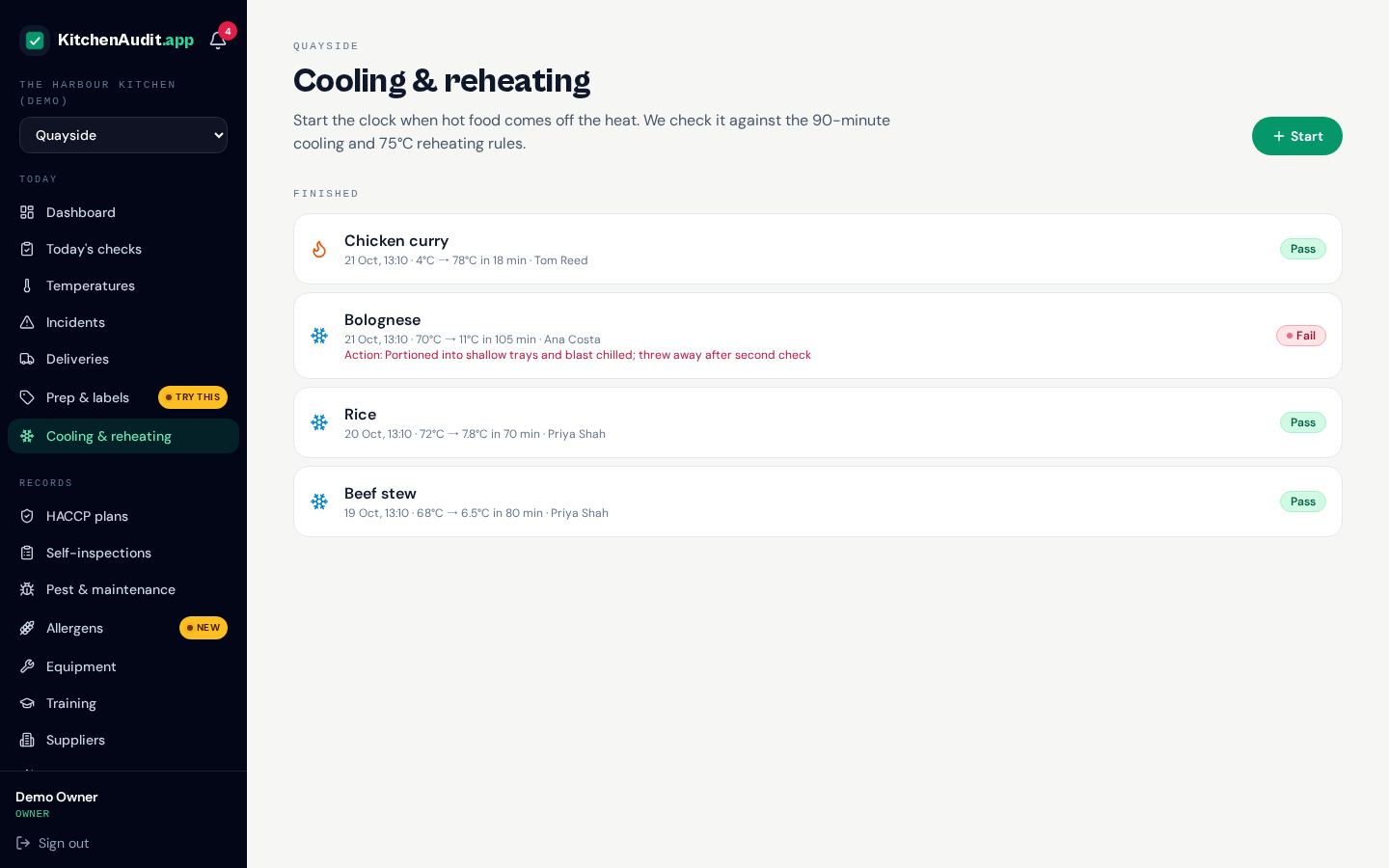
Cooling & reheating
Time-and-temperature logs for cooling and reheating food, so you can show it passed through the danger zone quickly enough.
Allergens & QR menu
A 14-allergen matrix for every dish, a printable one-page allergen sheet and a QR menu customers can check on their own phones, with descriptions and "may contain" warnings.
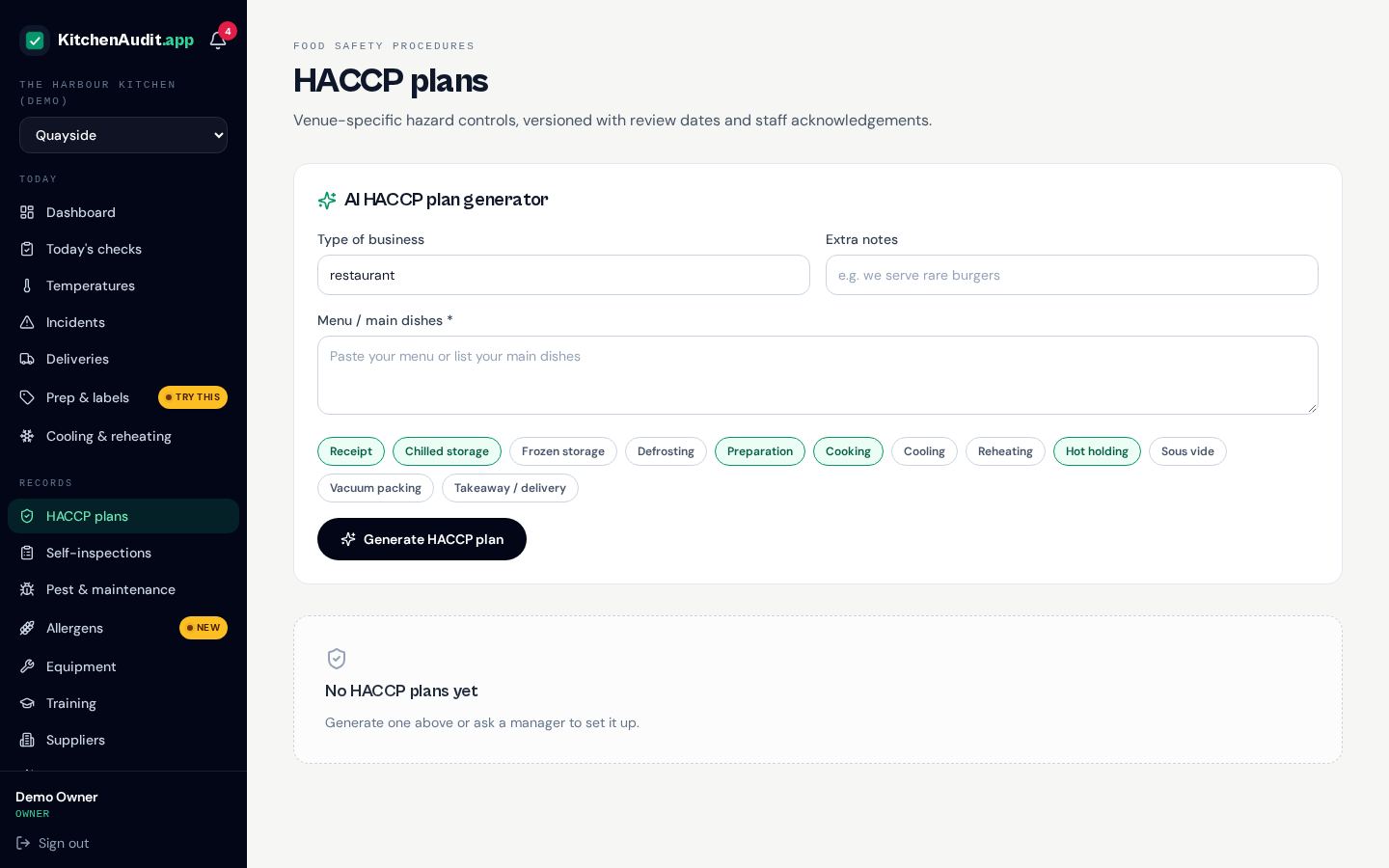
HACCP plans
Draft a full HACCP plan from your menu with AI in minutes. Review it, keep versions and get staff to confirm they've read it.
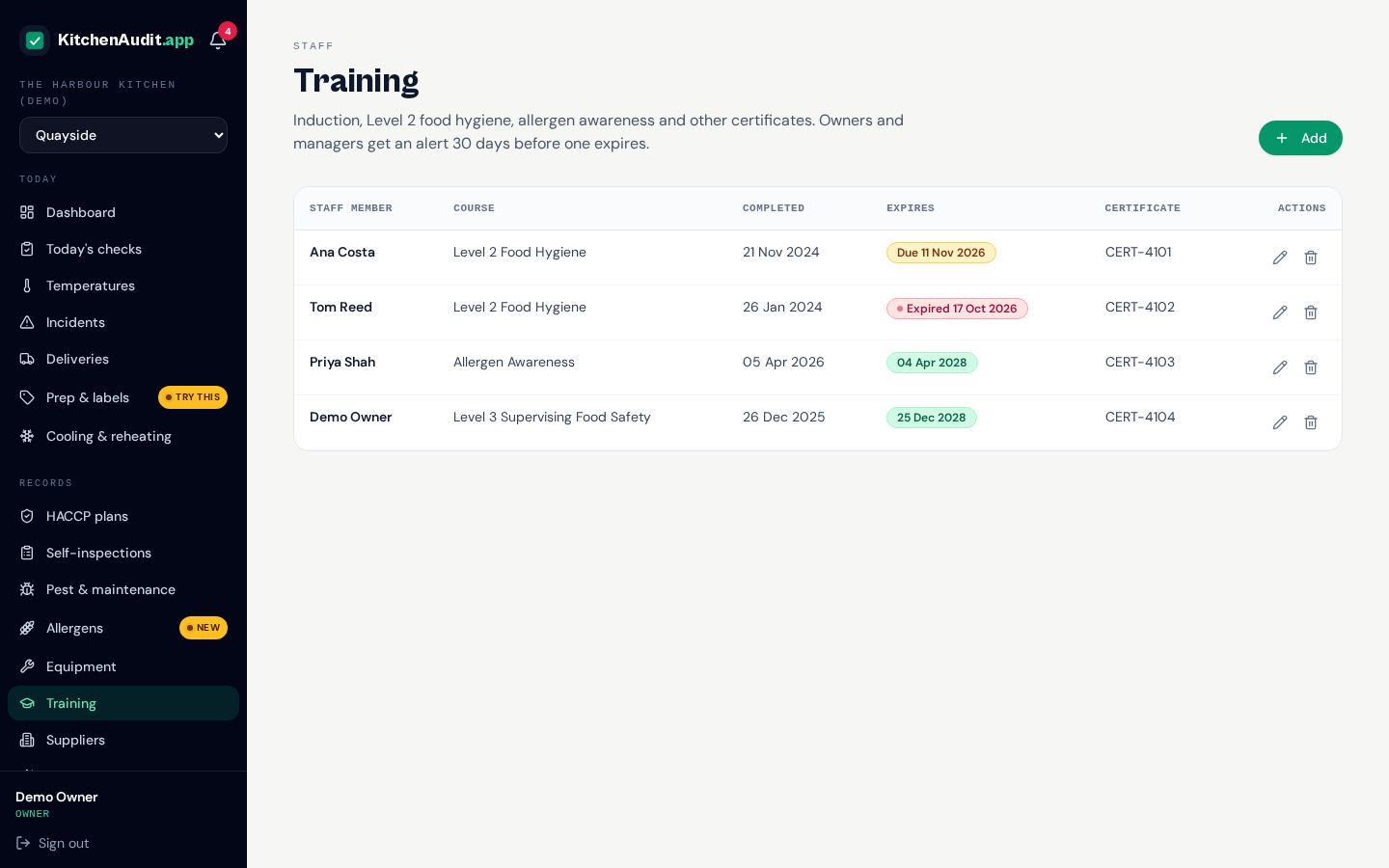
Training
Food hygiene certificates, inductions and allergen training for every team member, with reminders before anything expires.
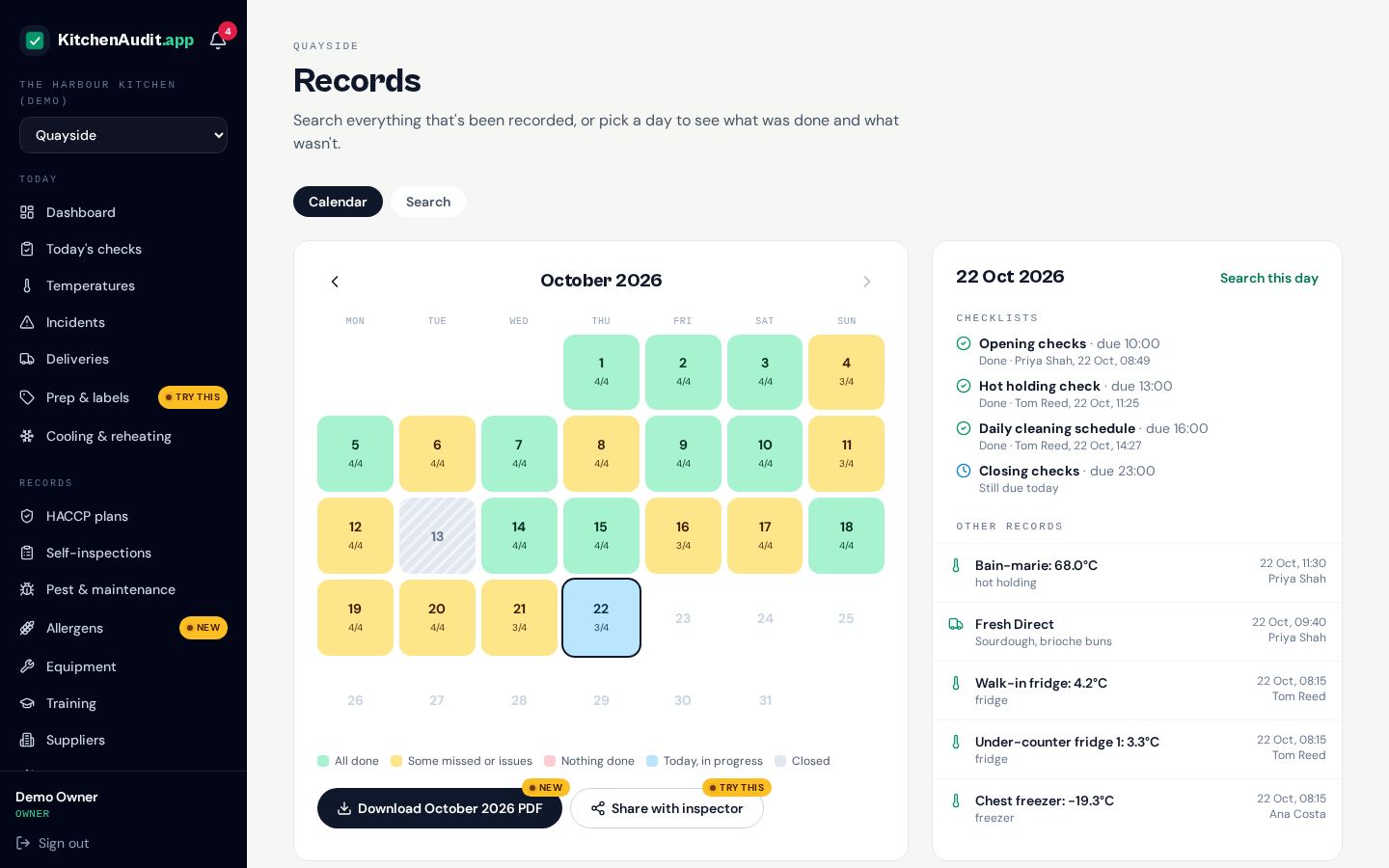
Records & calendar
Search every completed form by type or date, and see each day on a colour-coded calendar. Add reasons for missed checks and plan closed days in advance.
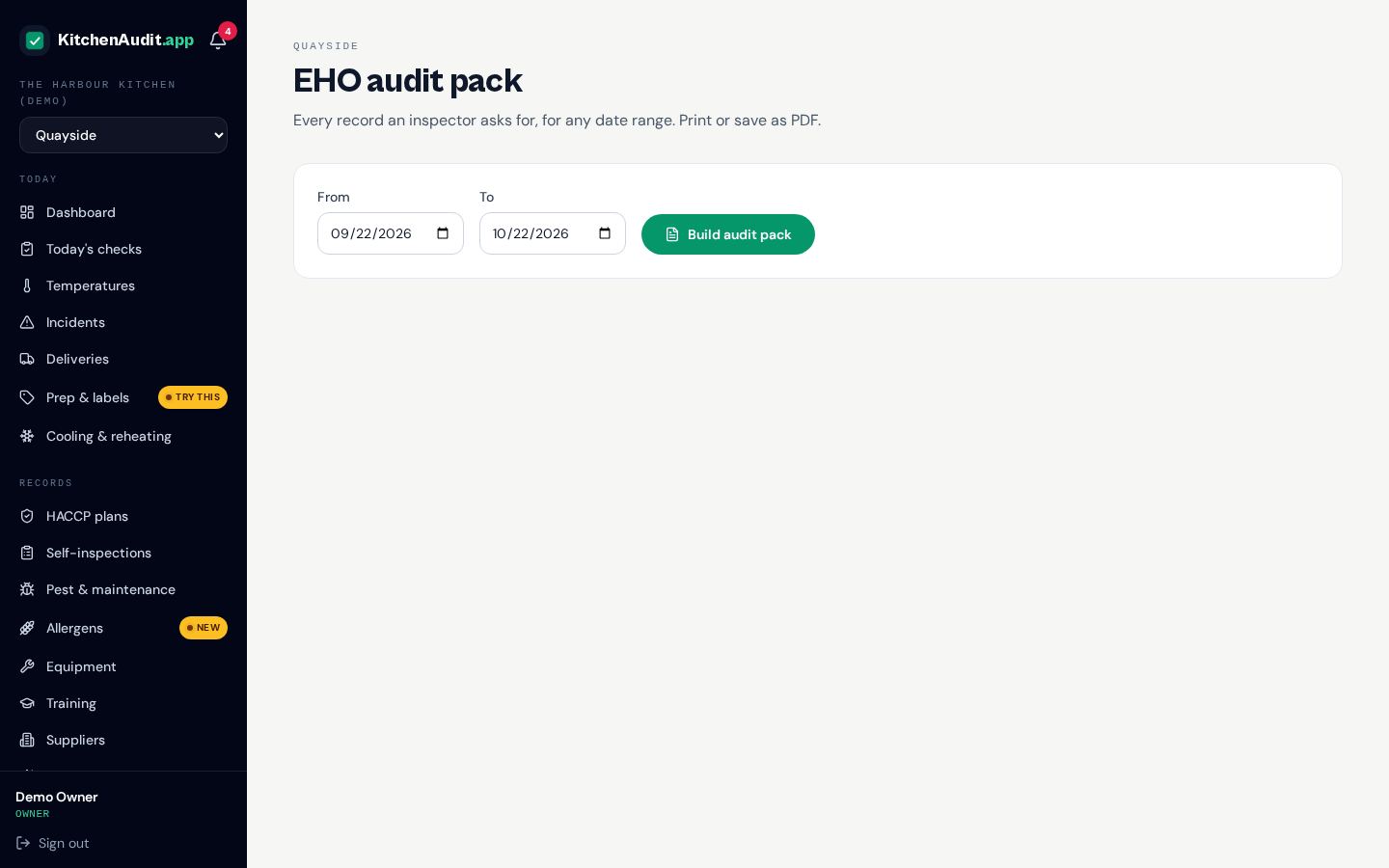
EHO audit pack
One click builds the pack an inspector asks for, for any date range. Share a secure, time-limited link they can open without logging in.
Self-inspections
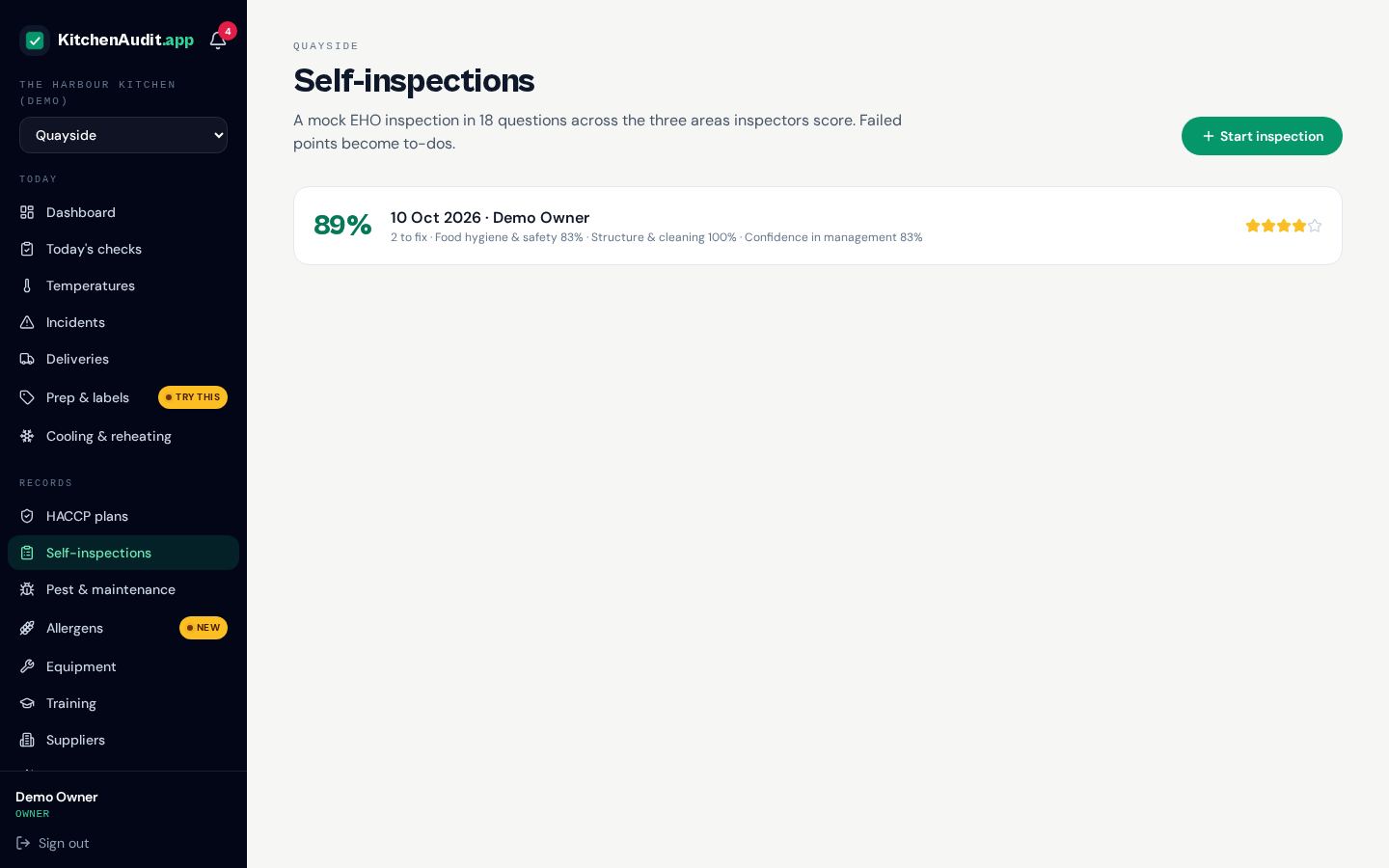
Run a mock EHO inspection across the three hygiene rating areas, get an estimated score and turn any failed points into an action plan.
Insights
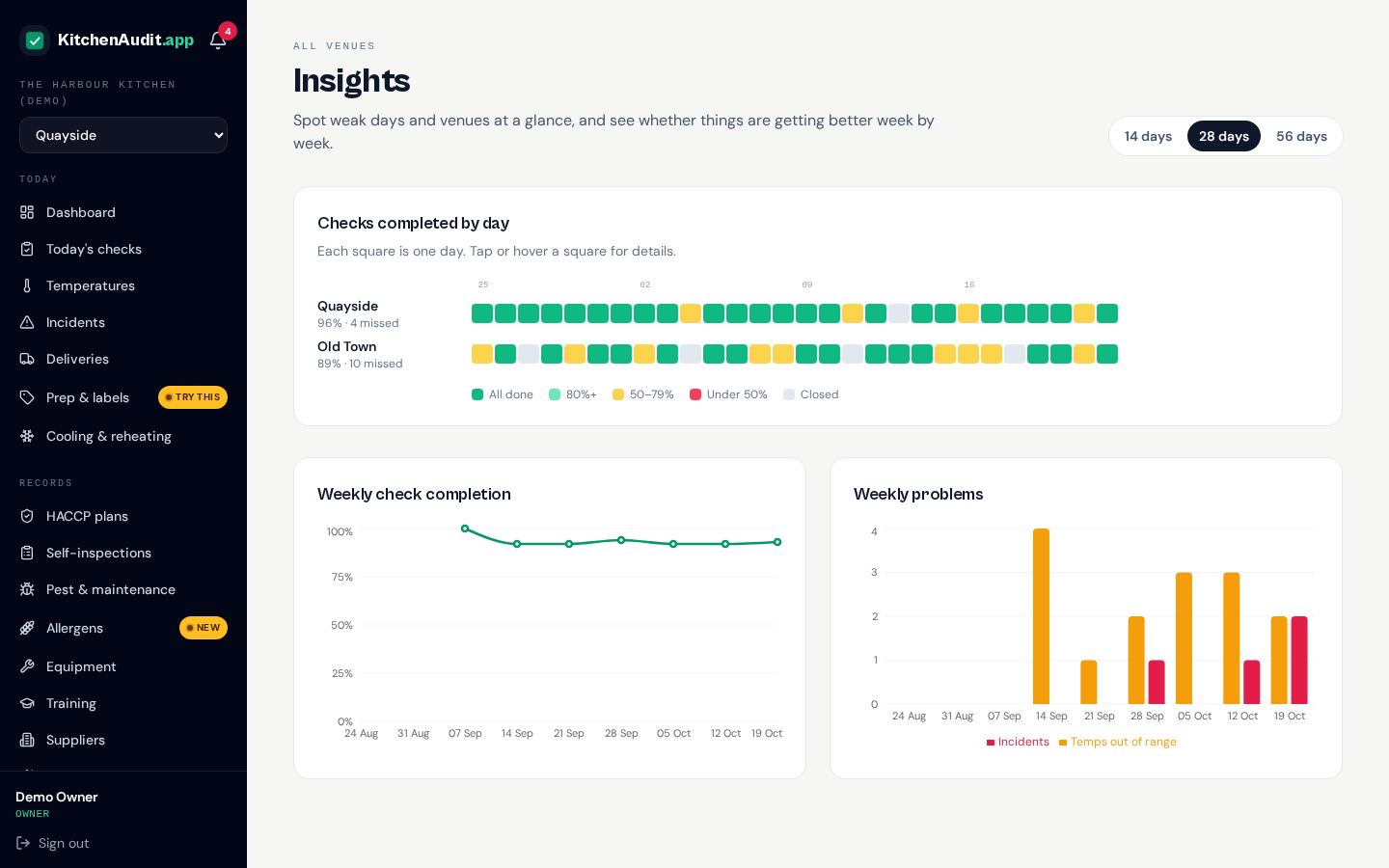
See how each venue is doing over the last weeks, spot the days checks get missed and compare sites side by side.
Staff rota
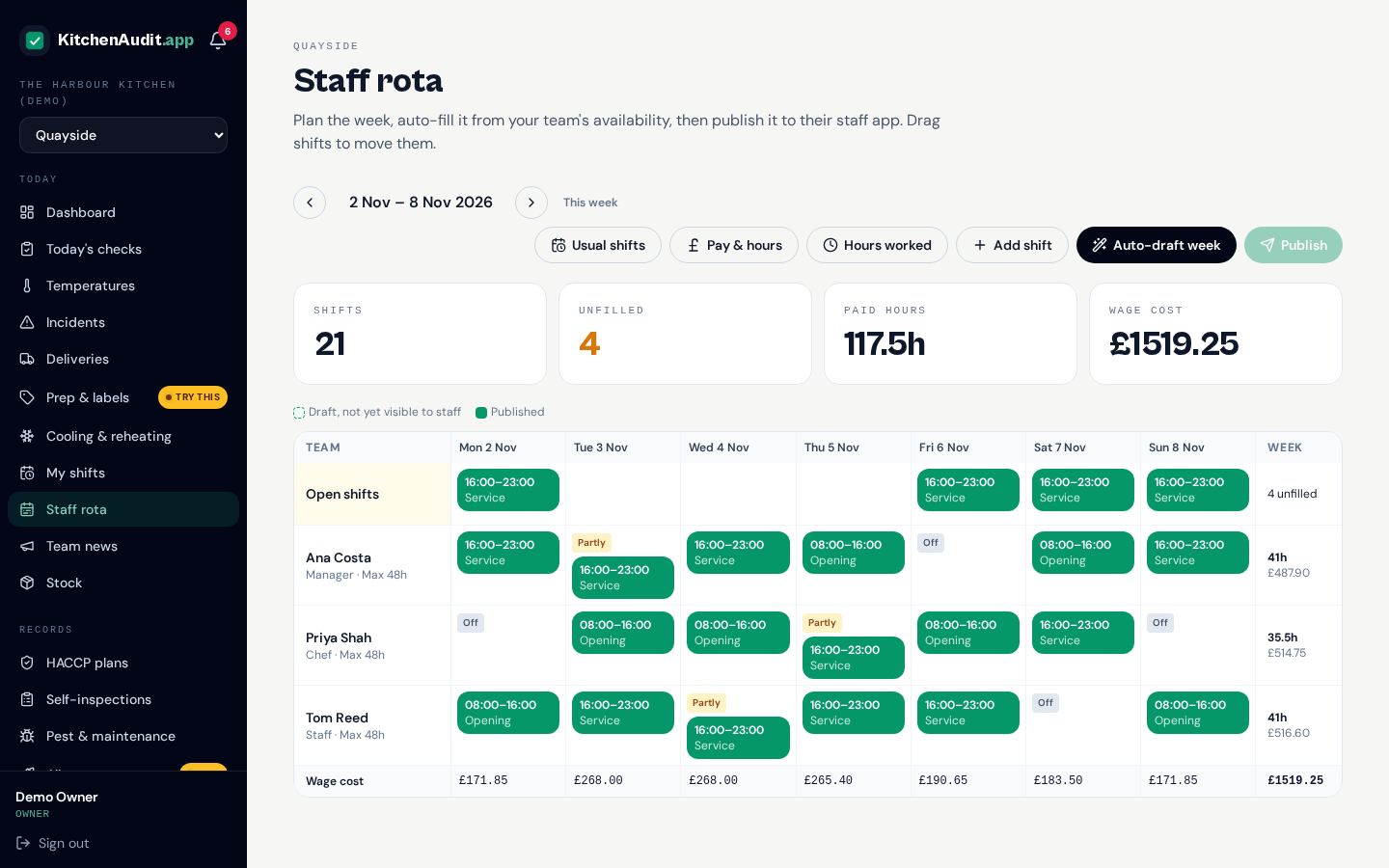
Build the week on a drag-and-drop grid, or let auto-draft fill your usual shifts from everyone's availability and maximum hours. See paid hours and wage cost as you go, then publish it straight to the team's staff app.
My shifts, swaps & availability
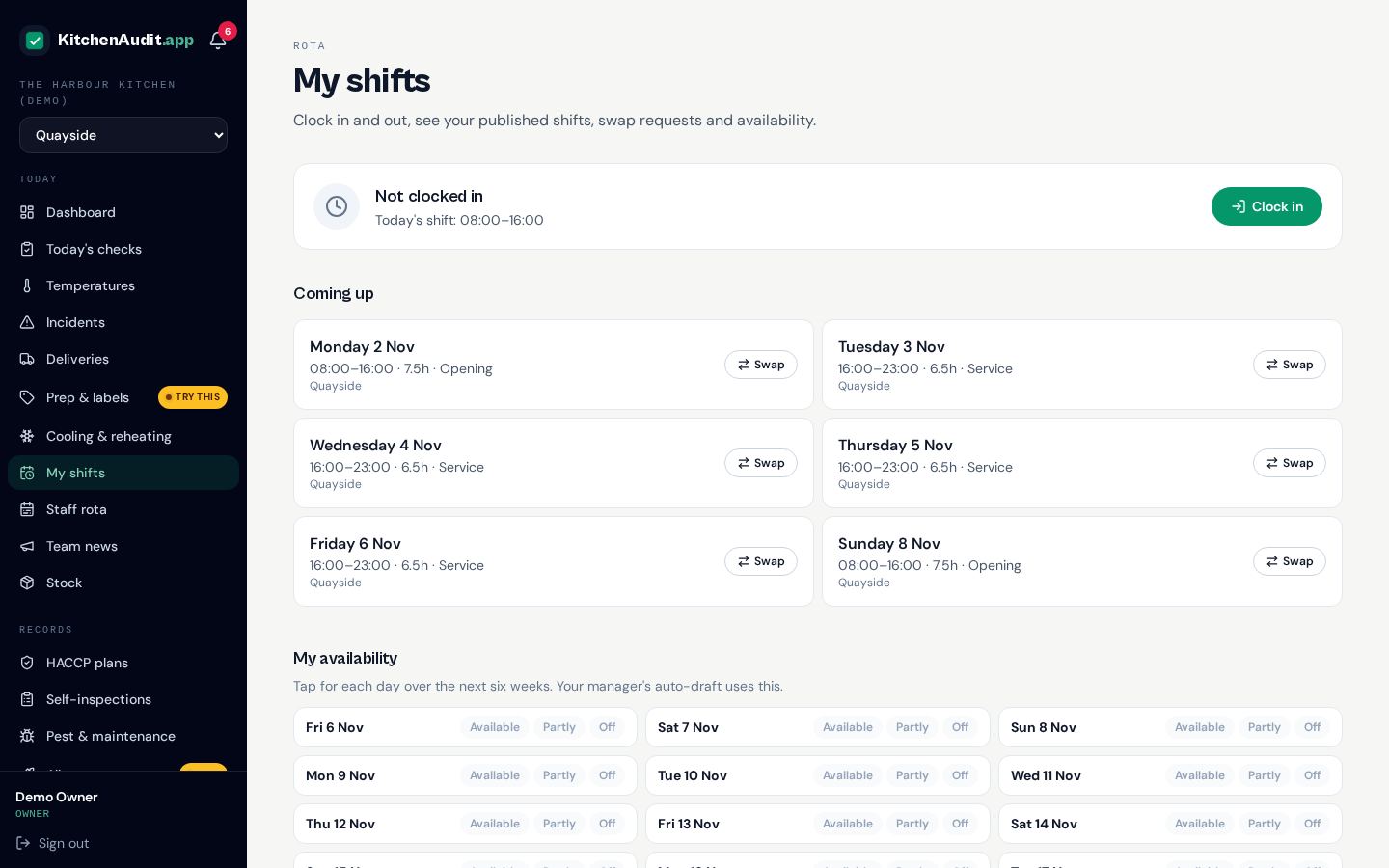
Each person sees only their own published shifts, marks the days they can or can't work, and asks a colleague to swap. A manager approves the swap before the rota changes.
Clock in & hours worked
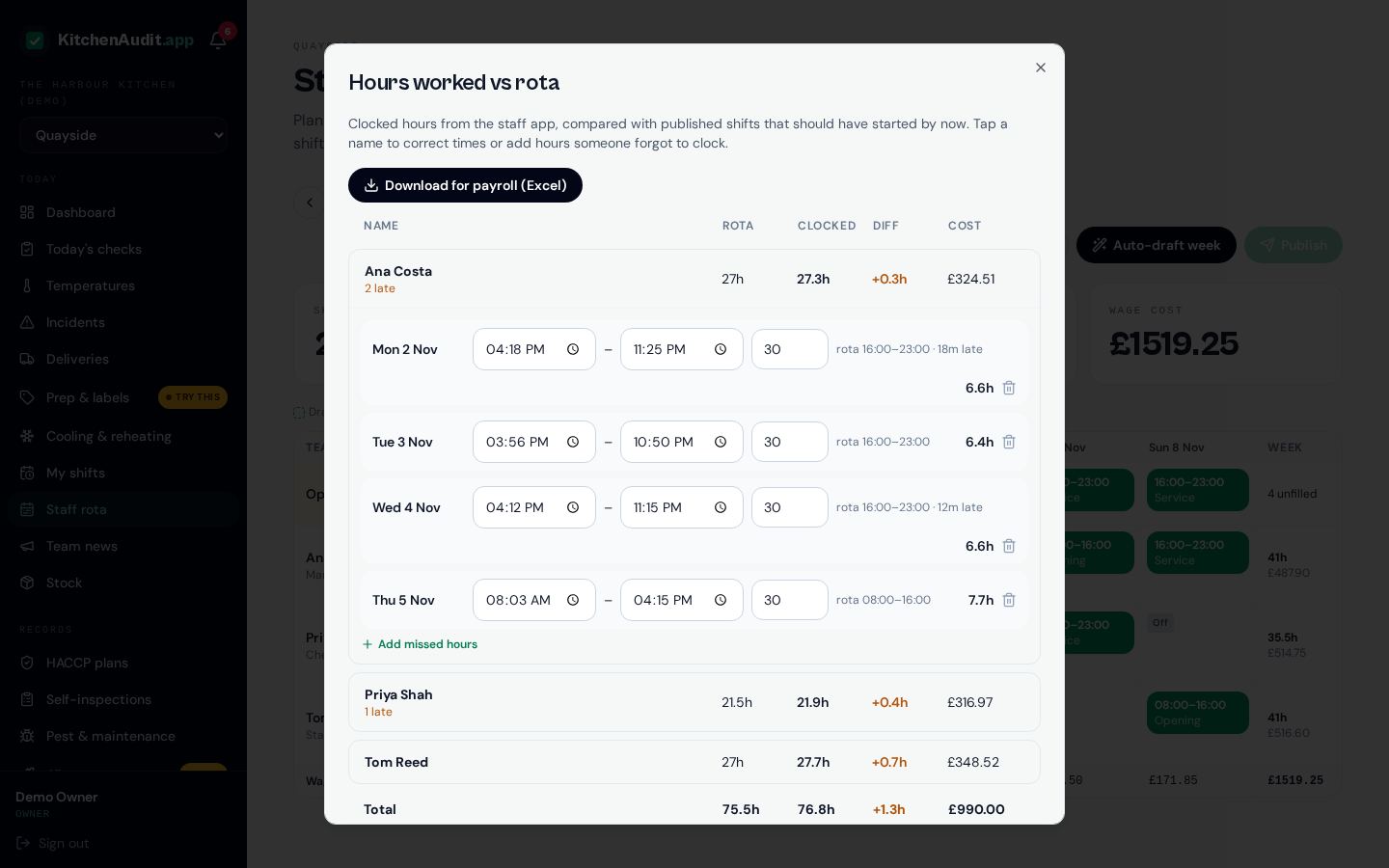
Staff clock in and out from their phone. You see rota hours against hours actually worked, who was late or didn't clock in, and the real wage cost. Correct any time, then download the week as an Excel sheet ready for payroll.
Staff fitness check
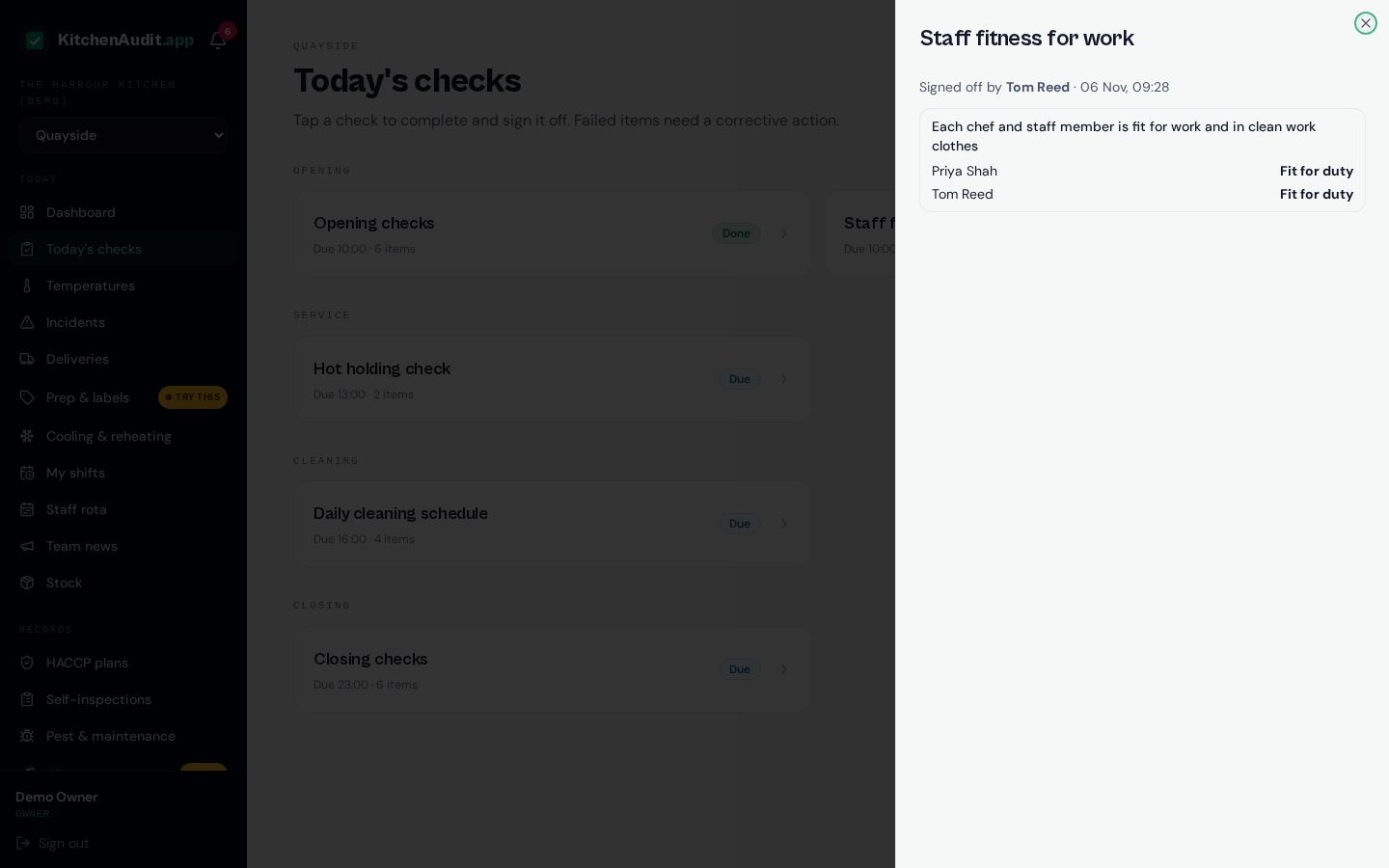
A daily check that lists today's team from the rota. Mark each person fit for duty, off duty or with an issue, note what was done about it, and add anyone called in at short notice.
Lessons & quizzes
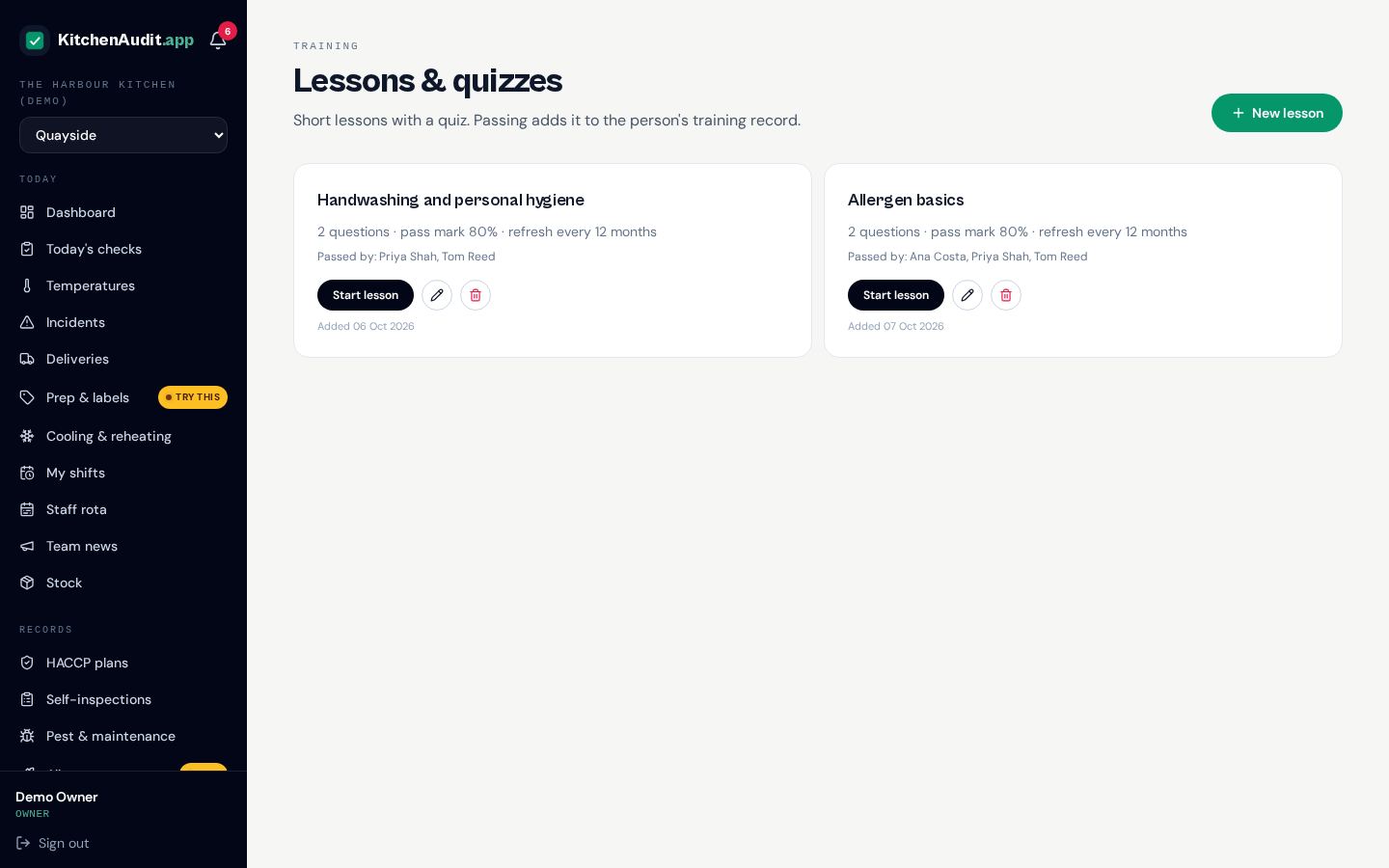
Write short lessons with a quiz at the end. A pass goes straight onto that person's training record, with a refresh date so nobody slips out of date.
Handbook & recipes
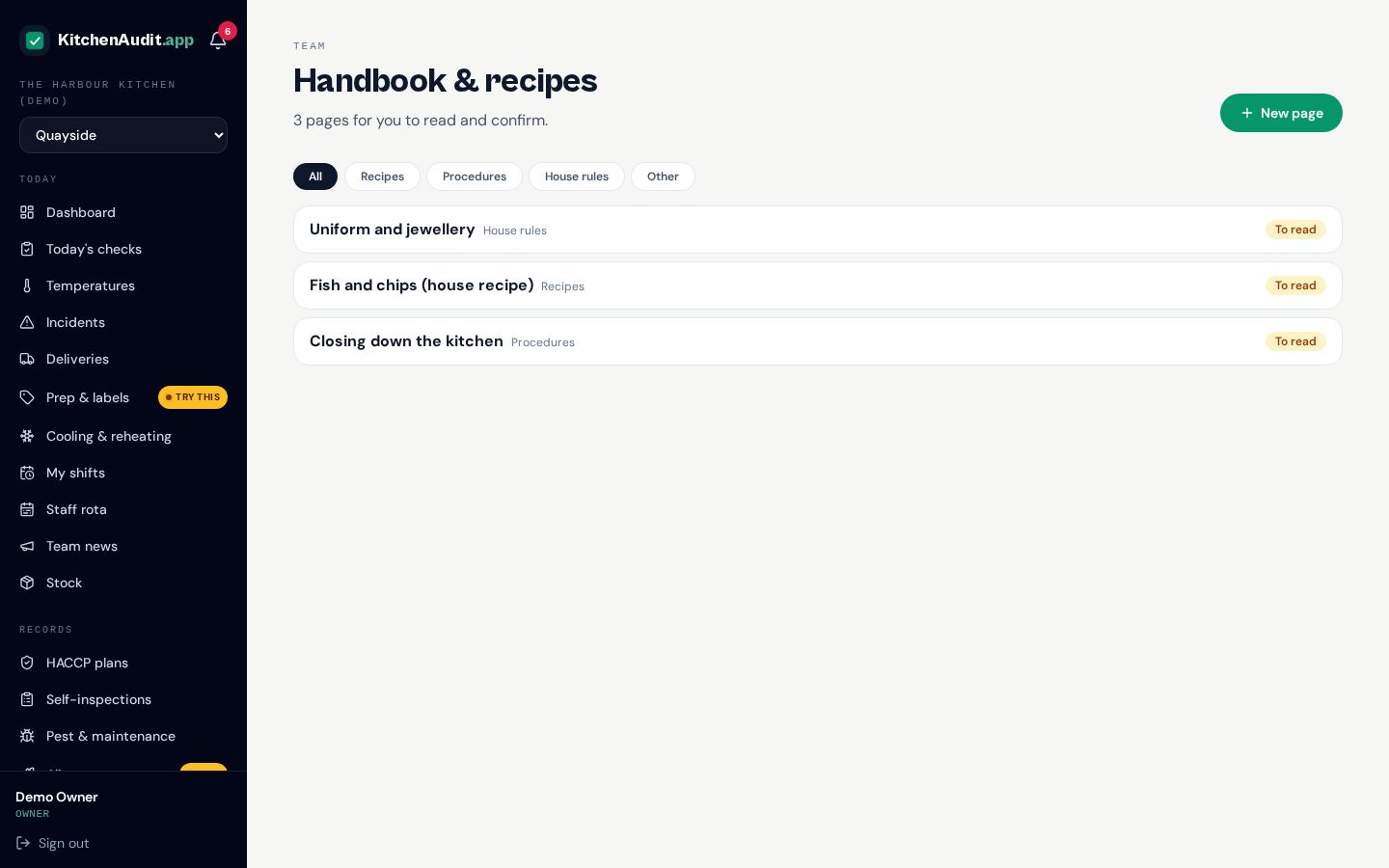
House recipes, procedures and rules in one place. Staff tick "read and understood", and they're asked again whenever a page changes. You can see who has read what.
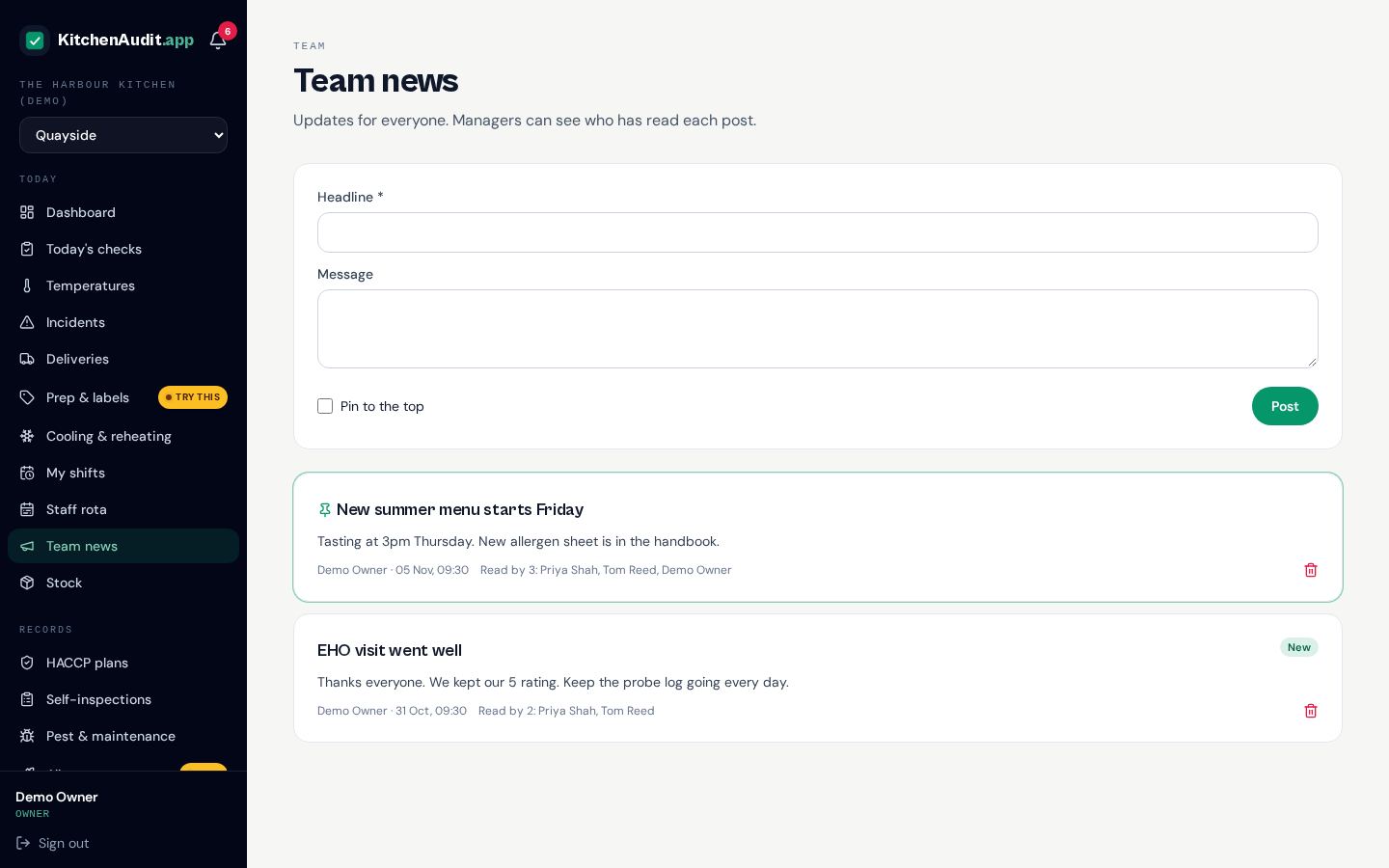
Team news & concerns
Post updates the whole team sees, pin the important ones and check who's read them. Staff can also raise a concern anonymously. Only the owner reads it, and replies are shared with the team.
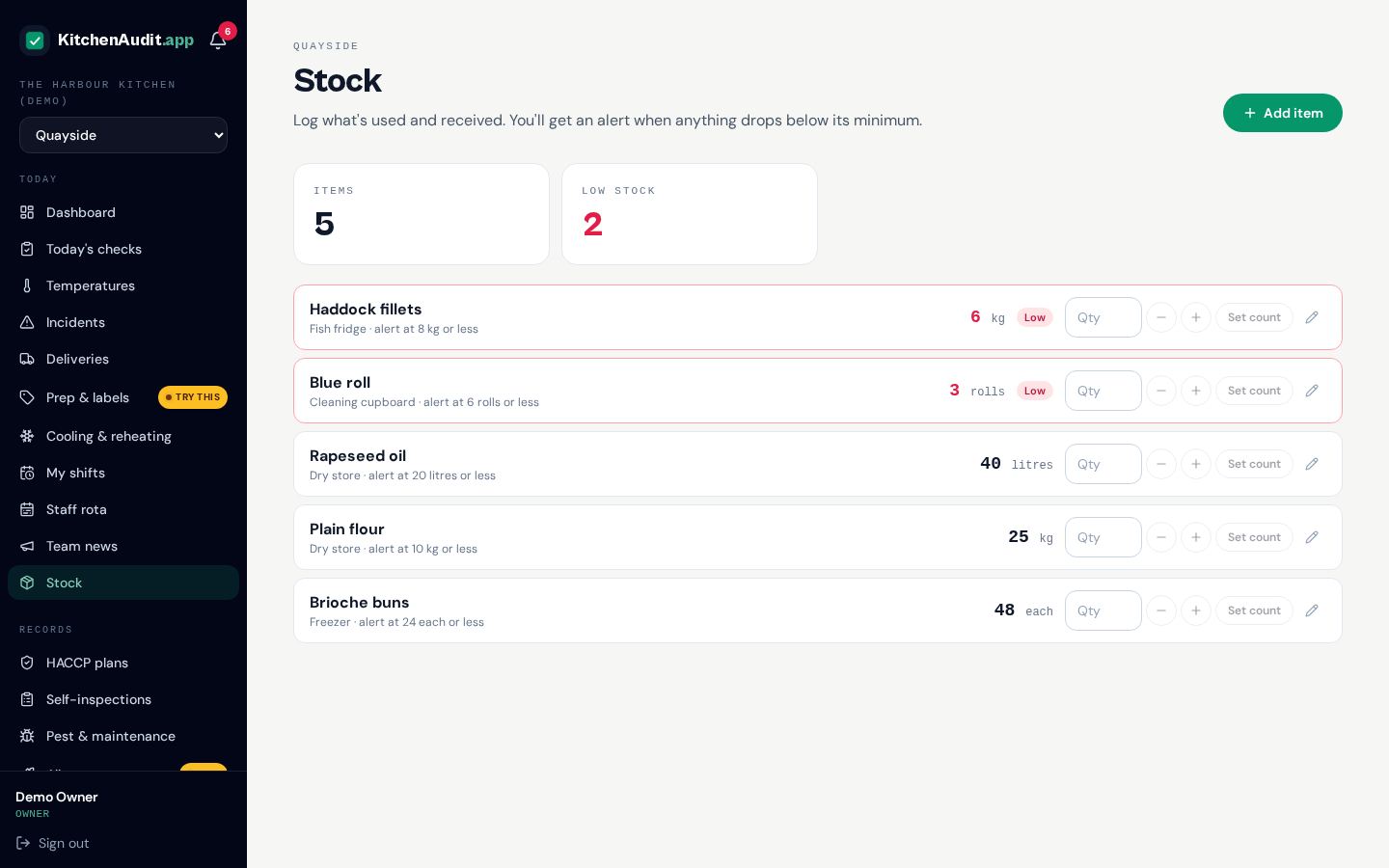
Stock levels
Keep counts of key ingredients and supplies for each venue. Log what's used, received or counted, and get an alert in the app when something runs low.
Team
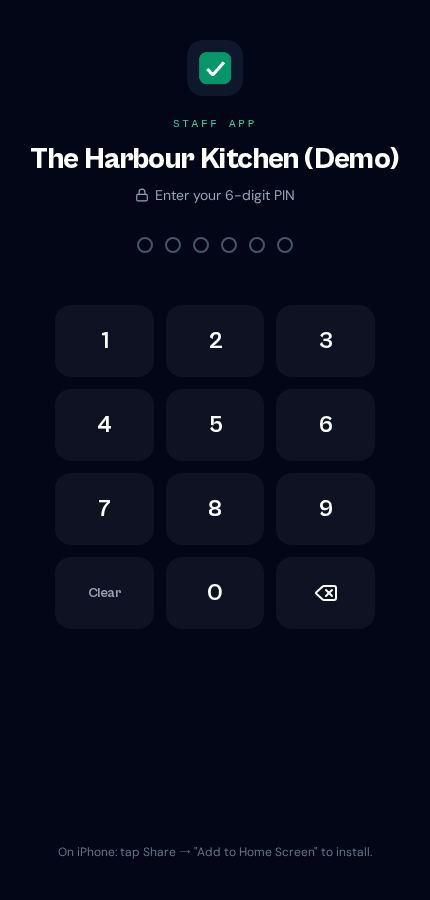
Add managers, chefs and staff, choose what each person can do and give kitchen staff a simple 6-digit PIN.
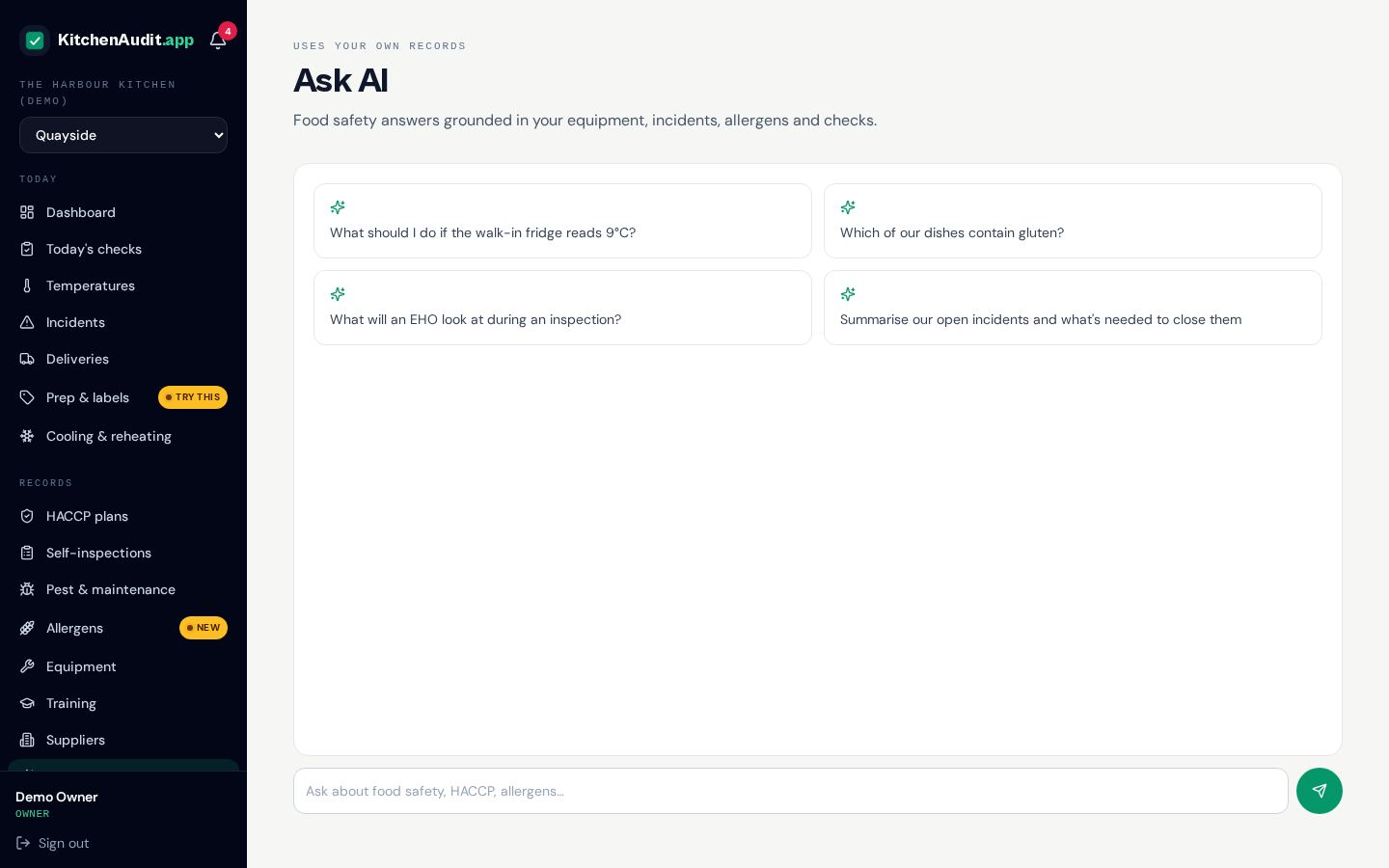
AI food safety assistant
Ask food safety questions any time and get answers based on UK guidance, written for a busy kitchen.
Staff app with PIN sign-in
Every business gets its own installable app. Staff add it to the home screen, tap their PIN and start logging in seconds. It keeps working without signal and syncs when back online.